The Emoji Kitchen feature, which was introduced as a part of Gboard for Android a couple of years ago, allows users to combine different emojis into a single sticker. The good news is that Emoji Kitchen is now available through direct integration into Google Search. This means that users can now use Emoji Kitchen from any device, including desktop computers and iPhones.
Before this integration, the only way to use Emoji Kitchen was through Gboard on Android and unofficial third-party sites, reports 9To5Google.
The new update was announced today by Gboard’s “Emoji Kitchen chef,” Jennifer Daniel, on X (formerly Twitter).
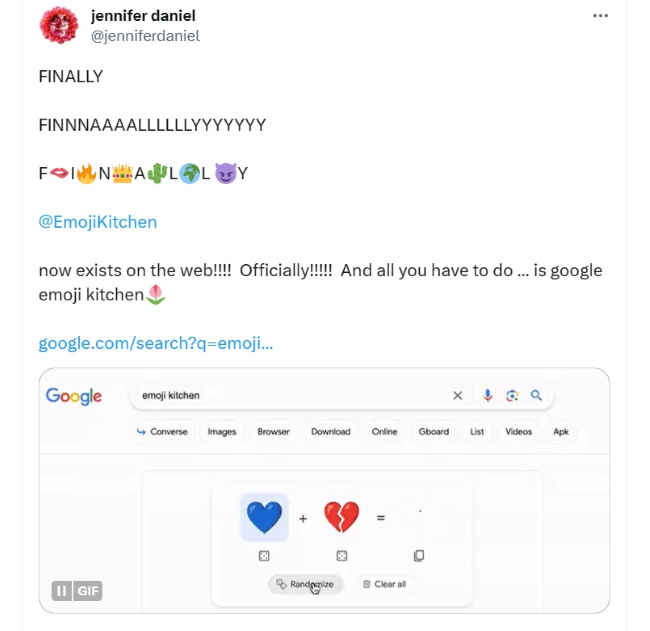
Also read: Google Maps’ new feature lets users add emoji to their maps and saved places
Google Search's Emoji Kitchen has a simplified design, with the option to either create random emoji combinations or select them manually. Users can manually select emojis which they want to combine, or they can also let Google randomly choose emojis for combining.
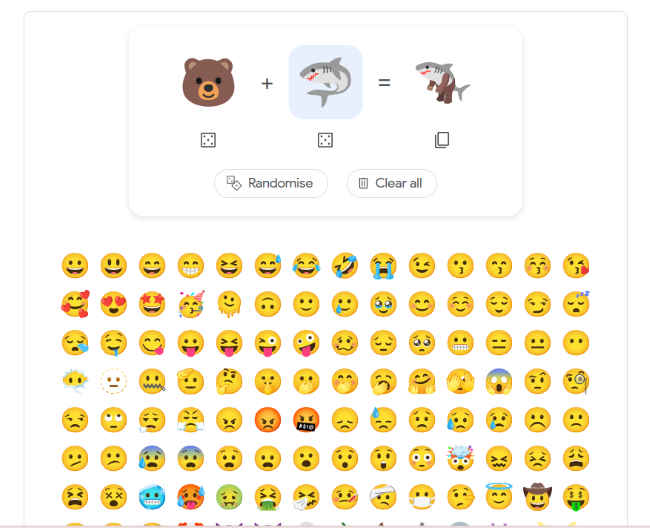
However, the available emoji combinations in Google Search's Emoji Kitchen are noticeably shorter in comparison to what's offered in Gboard for Android, the report said.
Users can copy the combined emoji to their clipboard once it has been created.
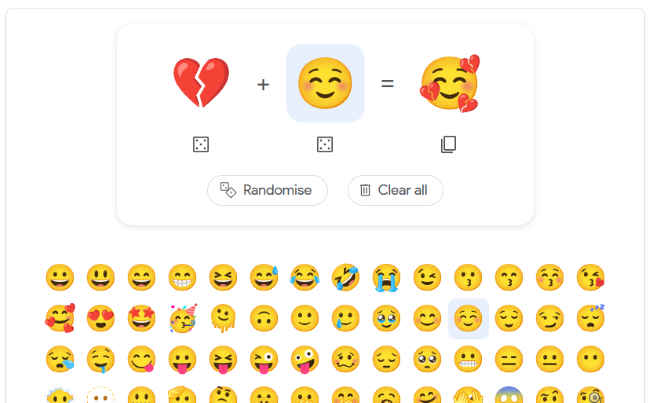
Step 1: On Google Search, search for “emoji kitchen”.
Step 2: You will see a collage of emojis. Select the ‘Get cooking’ option present below that collage.
Step 3: Now, you will see an emoji mixer. Select the emojis that you want to combine, or there is a dice icon which selects random emojis to combine.
Step 4: Once the combined emoji is created, you can copy it from the option present below it.
from Apps News https://ift.tt/5bPkONW
Comments
Post a Comment