Earlier this year Samsung Pay became Samsung Wallet. This rebranding broadened the scope of this app. It was more than a mobile payment and digital wallet app. You could now not only store credit/debit cards and digital currency, but login passwords, DigiLocker IDs, and health/vaccine certificates also. In today’s announcement, Samsung reveals its Wallet app now also gets the option to store digital IDs.
Samsung Wallet becomes more useful with its new updateHere are its complete features:
1. You can now store digital IDs like Aadhaar Card, Pan Card, Driving License, Vehicle Registration Certificate, etc.
2. Thanks to Samsung Pay integration, you can store money and make payments via UPI, credit, and debit card payments. You can make payments through simple tap and pay.
Also Read: Here are 5 Telegram features you might not be using
3. You can connect your DigiLocker IDs and documents.
4. There is the option to access login credentials of online websites and apps you choose.
5. You can carry health or vaccine certificates like the one downloaded from CoWin.
6. When you are out and about, you can make FASTag toll payments, store flight boarding passes, and train tickets.
Also Read: 5 WhatsApp features that you should start using, if you aren't already
7. Samsung claims it has no access to any of the information stored in its wallet.
8. The data within Samsung Wallet is protected by Samsung Knox against digital and physical hacking.
9. You can lock and prevent snoopy eyes using biometric authentication.
10. In case you lose the phone with the Samsung Wallet app, you can use SmartThings Find to remotely disable the app and even lock the device for enhanced security.
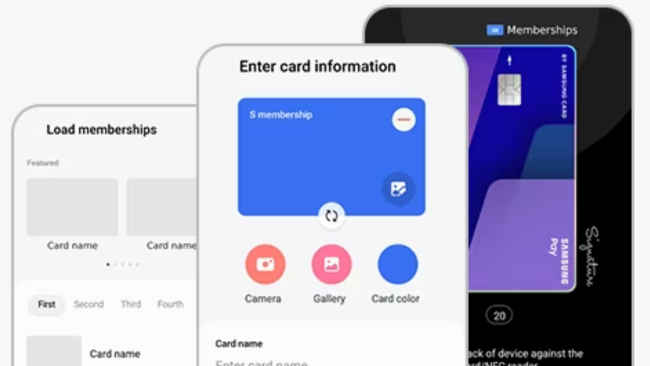
Samsung Wallet can be downloaded from Galaxy Store or Play Store on Samsung Galaxy devices. On our Samsung Galaxy S21, the download size was 202MB.
from Apps News https://ift.tt/rfnk1HT
Comments
Post a Comment