
How Delhi Metro Smart Card recharge through Airtel Payments Bank works

Delhi Metro has joined hands with Bharti Airtel to enable Smart Card recharge through the Airtel Payments Bank app. Here, we have a step-by-step guide to top up Delhi Metro cards via the Airtel app. 

  Recharge Delhi Metro Card through Airtel Thanks app
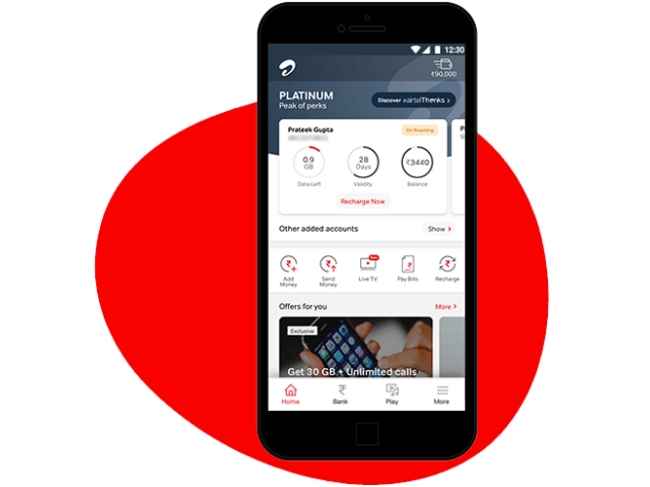
Airtel Thanks app


1. Open the Airtel Thanks app on your phone. Ensure it is updated to the latest version (ideally v 4.62.2) and that you are an Airtel Payments Bank user.

2. Go to the Bank section and choose the Metro Recharge option. At the time of writing, we weren’t able to spot this Bank section in our Airtel Thanks app (v. 4.61.3). We called Airtel customer care and they told us the feature is live on an upcoming version 4.62.2. Hope it works for you.

3. Next, put in your Delhi Metro Rail Corporation smart card number, and enter the recharge amount. Choose the mode of payment and pay it.

4. Once the payment is done on your end, now you have to tap the smart card on the Add Value Machine (AVM) at the metro station to complete the top-up.

That’s all.

Benefits of recharging Delhi Metro card using the Airtel Thanks app
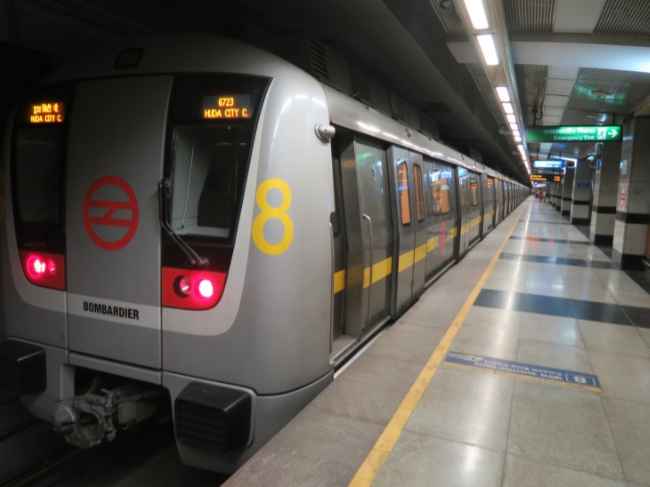
DMRC


The key benefit of using this service is that you don’t have to wait in long queues to recharge your metro card, especially when time is of the essence.

This is believed to be a secure mode of recharging metro cards considering the card/UPI details you enter for the payment.

So, try it out the next time you want to recharge your metro card.


from Telecom News https://ift.tt/sEw8Tyr

Comments

Popular posts from this blog

PS5 unboxing videos show how huge the console is

To say that Sony has been a bit coy when it comes to the PlayStation 5 would be a bit of an understatement. The company only recently announced the India pricing of the console and now finally we have unboxings of the console going live and one thing is pretty clear - The console is HUGE!  So what do you get in the box? Well… besides the console itself (and the manuals), you get: DualSense controller USB Type-C charging cable for the controller HDMI 2.1 cable Power cable for the console (no bulky adapter/box) Plastic stand Now the plastic stand is used if you place the console on its side. As there is no flat surface on either side of the console, the stand will ensure that it remains still. But you can also place it when propping up the console vertically. However, it does seem like the PS5 can stand on its own vertically if need be. IGN’s unboxing video gives you a good idea of how to place the stand. All of the unboxing videos mention the size of the console because it is pr...

Pixel 4a (5G) Model Tipped in Google Camera v7.5 App Code, Pixel 5 XL May Not Launch This Year: Report

Google Camera app version 7.5 teardown, rolled out for Android 11 beta users, shows mentions of three upcoming Pixel devices - Pixel 4a, Pixel 4a (5G), and Pixel 5, with no reference to the Pixel 5 XL. This hints that Google may be ditching the Pixel 5 XL this year. The codenames of the three upcoming Pixel devices are listed to be sunfish, bramble... from Gadgets 360 https://ift.tt/3gd9bJp