Samsung India has announced the Samsung Wallet for India. This is the merger of Samsung Pay (mobile payment solution) and Samsung Pass (password manager) so that you can use the same app for storing bank cards, loyalty/membership cards, IDs, boarding passes, digital keys, cryptocurrency, and login passwords. You can use the stored credit/debit cards within Samsung Wallet for payment purposes.
Best Samsung Wallet features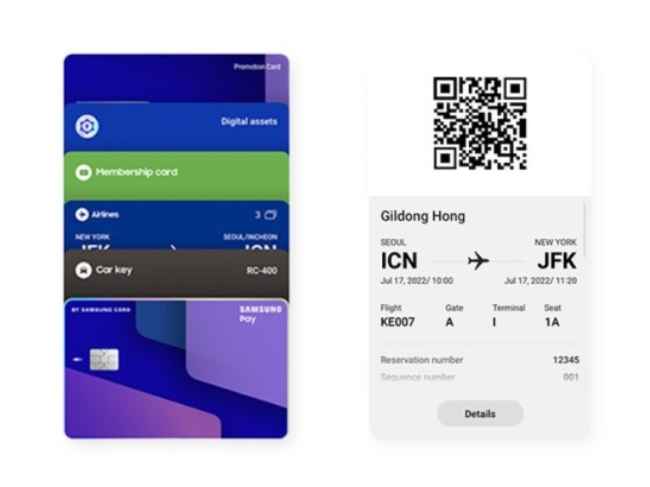
Samsung Wallet comes equipped with Knox security which claims to offer defence-grade real-time mobile security.
You can store Driving Licenses, Identification cards, and other documents safely within Secure Folder in Samsung Wallet. This boasts to be hack-proof which should be assuring.
2. No need to remember passwordsIt’s a tough task to remember or safely carry around passwords on your own. Gladly, Samsung Wallet offers password management including secure storage and retrieval with a master password.
3. Conveniently travelWhile you are out and about, besides the above two features (i.e., payment and important passwords), you also get to bring digital car keys, loyalty/membership cards, boarding passes, etc for a smooth travel experience, thanks to Samsung Wallet.
How to get Samsung Wallet on your Galaxy smartphone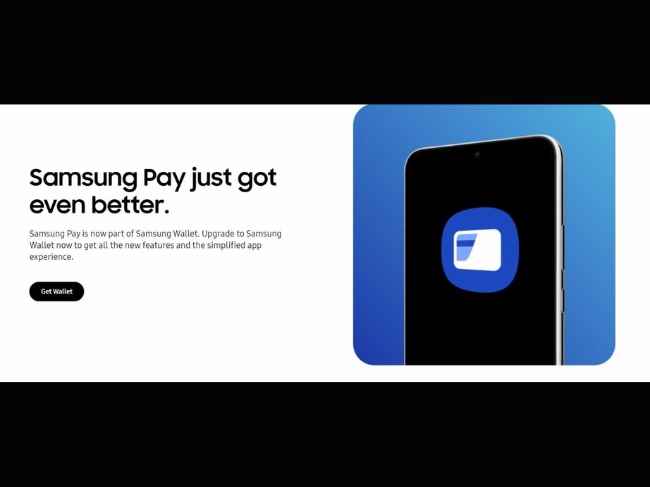
Samsung Wallet is available in the Galaxy Store. You can install the app, log in to your Samsung account and start using it for the aforementioned Samsung Wallet features.
Ensure your Galaxy smartphone is running on Android 9 or above to automatically get Samsung Wallet.
Have you marked your calendar yet? Only 1 day left for Samsung Pay’s big transformation! Buckle up and watch this space to know more! T&C apply. #SamsungPayIsGettingBetter pic.twitter.com/vw7nJS6hmx
— Samsung India (@SamsungIndia) January 29, 2023from Apps News https://ift.tt/4BzKHP8
Comments
Post a Comment