Microsoft has broadened its cloud gaming ambitions with a new Xbox TV app that lets you play over 100 games without a console. All you need is a fast and reliable internet connection and a Samsung smart TV. The latter is because Microsoft has shaken hands with Samsung to bring this Xbox gaming for Smart TVs through the Samsung Gaming Hub service. For the unversed, Gaming Hub is like a store that connects games and streaming services. The addition of the Xbox app to its roster could benefit both brands.
“Together, Samsung and Xbox partnered to bring Xbox Game Pass to the millions of Samsung Galaxy phones around the world, and now we are partnering again to bring our Xbox gaming experience to their 2022 Smart TVs. I’m excited for you to experience cloud gaming on Smart TVs on June 30 in 27 countries,” said Ashley McKissick, Corporate Vice President, Gaming Experiences & Platforms.
So, you see Xbox gaming on Samsung smart TVs is coming on June 30, 2022, in 27 countries.
Here’s what that entails —
How the Xbox app on Smart TVs works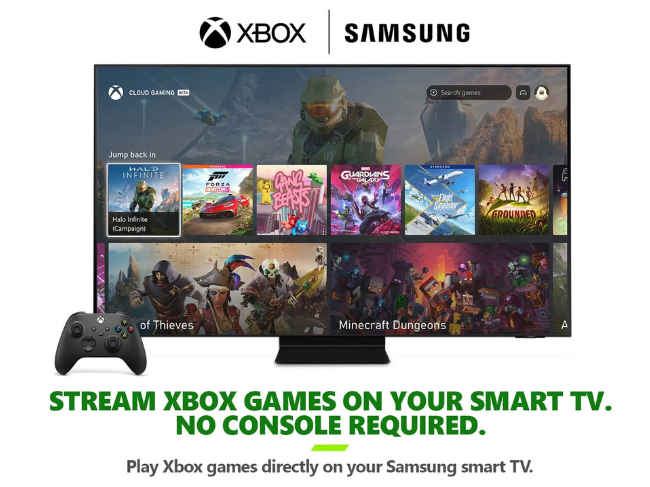
1. The prerequisites for playing Xbox TV gaming are a strong internet connection to stream the games from the cloud, a Bluetooth-enabled gaming controller, and one of the 2022 Samsung TVs (preferably Samsung Neo QLEDs, QLEDs, and 2022 Smart Monitor series for a better experience).
2. Once you have all the above ready and set, open the Xbox TV app from the Samsung Smart TV hub. Sign in to your Microsoft account.
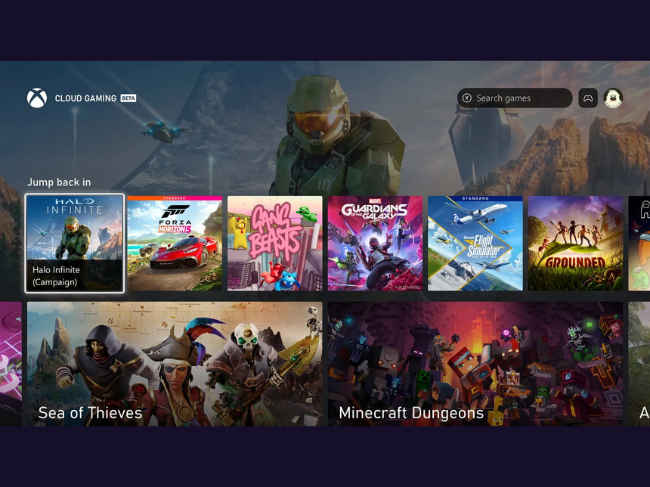
3. If you have an Xbox Game Pass Ultimate subscription, you can enjoy any of the 100+ games it offers. If you want to just play Fortnite on TV, that’s available for free without the pass.
4. Now just control and navigate through the UI and play using the wireless controller.
List of Games on Xbox TV app for Smart TVs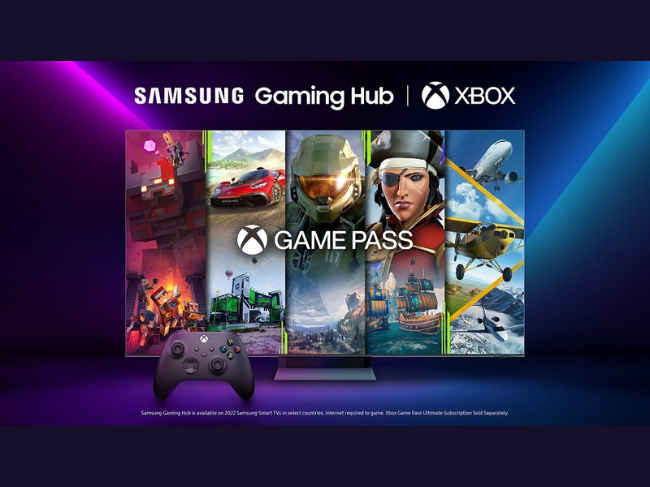
As for other news, reviews, feature stories, buying guides, and everything else tech-related, keep reading Digit.in.
from Gaming News https://ift.tt/CJW98Ka
Comments
Post a Comment