The Xbox Series XS will receive Dolby Vision update, giving you improved picture quality and visual enhancements
Xbox has previously partnered with Dolby to bring immersive spatial audio to its platform with Dolby Atmos in 2017, and ultra-vivid picture quality for movies and streaming with Dolby Vision in 2018. Then in 2020 with the Xbox Series X/S (review), the company launched the first consoles ever to support gaming in Dolby Atmos and with the future capability to support Dolby Vision. In fact, gaming in Dolby Vision will launch today on Xbox Series X/S. More than 100 next-gen HDR titles optimized for Series X/S are available now or coming soon in Dolby Vision. In addition, thousands of classic HDR10 and Auto HDR games will benefit from improved picture quality through the new Dolby Vision enhancement on Xbox Series X/S.
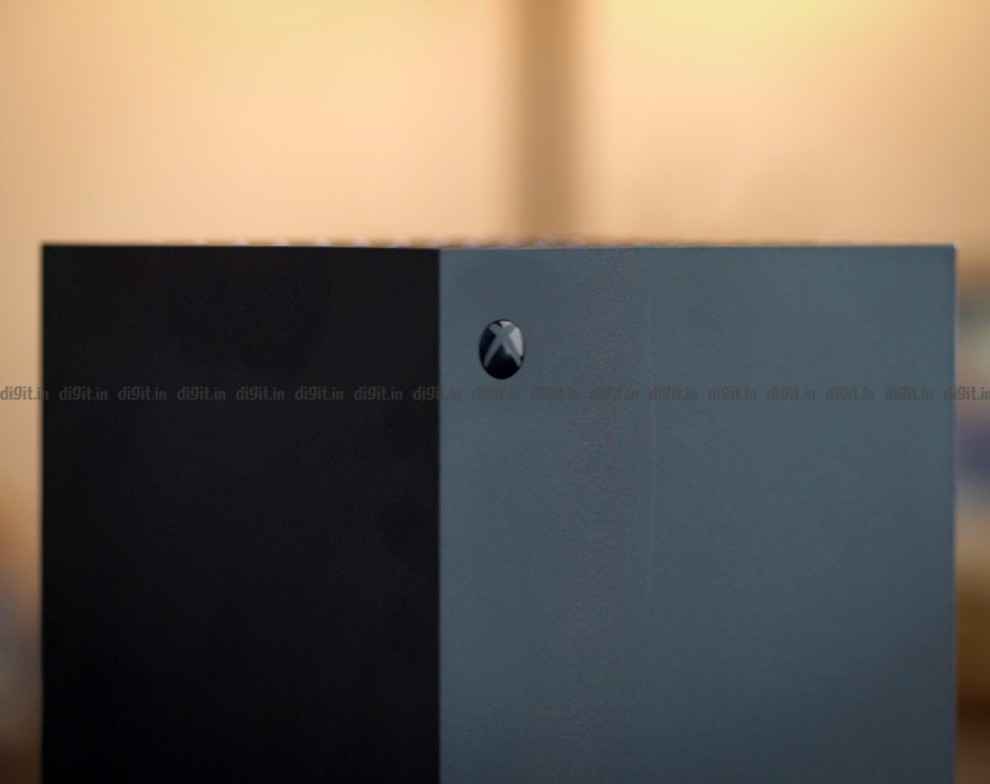
The Xbox Series X/S are the first game consoles to support gaming in Dolby Vision and Dolby Atmos, which enhances gameplay with both full-spectrum visuals and immersive audio. Dolby Vision is also compatible with next-generation features available on Xbox Series X|S such as DirectX Raytracing, Automatic low-latency mode (ALLM), Variable Refresh Rate (VRR), and up to 120FPS. Starting today, gamers with compatible Dolby Vision-enabled TVs will be able to enjoy Dolby Vision gaming on the Xbox Series X/S. Dolby Vision deepens your immersion into the experience giving you better clarity when gaming.
To ensure a growing library of games are available, Dolby and Xbox are working together closely with developers to provide the tools they need so their titles can take full advantage of Dolby Vision. They can do this through built-in features within the Xbox platform or they can choose to implement the technology directly into a game’s engine. When you are connected to a Dolby Vision-enabled TV and Dolby Vision is enabled on Xbox Series X/S, the consoles will automatically enhance your existing games to deliver a rich, immersive experience.
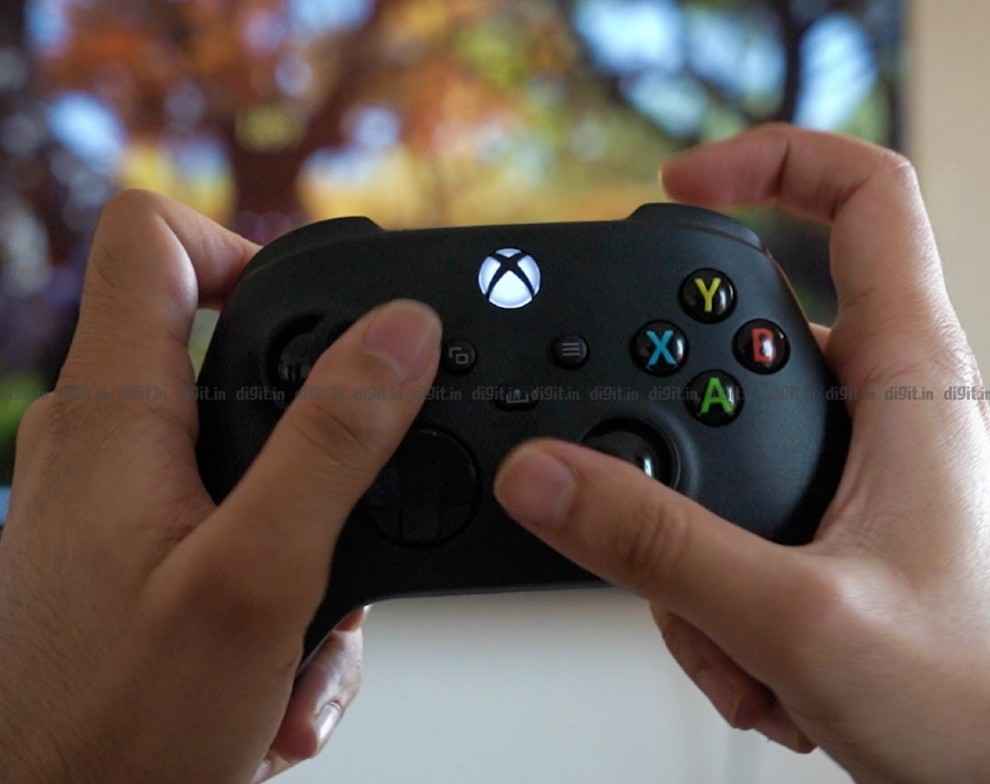
Dolby Vision takes gaming to the next level through incredible brightness, colour, contrast, and detail. Games in Dolby Vision automatically map to any display that supports Dolby Vision, delivering players the benefit of seeing the best possible picture available. Dolby Vision is also compatible with next-generation features available on Xbox Series X|S such as DirectX Raytracing, automatic low-latency mode (ALLM), Variable Refresh Rate (VRR), and up to 120FPS depending on the capabilities of your TV.
Check to see if your display supports Dolby Vision
To check if your display supports Dolby Vision, press the Xbox button to open the guide. Then go to Settings > General > TV & display options > 4K TV details.
Enable Dolby Vision on Xbox Series X|S
For the best Dolby Vision experience, we recommend using automatic low-latency mode (ALLM). To enable Dolby Vision, press the Xbox button to open the guide. Then press Settings > General > TV & display options > Video Modes > Dolby Vision for Gaming
Also Read: PS5-Inspired Xbox Series X And Series S Controller Redesign In The Works, Hints Chief Phil Spencer

from Gaming News https://ift.tt/2ZuoYjo
Comments
Post a Comment