Players of Garena Free Fire can redeem various rewards through redemption codes. They are usually released by developers on live streams or social media platforms. They usually consist of 12 characters including numbers and letters.
Like many other games, Free Fire also has a dedicated website for redemptions and it serves no other purpose other than redemptions. Here’s the link of the website : https://ift.tt/2Pi0dSI This article will walk you through the redemption procedure, login methods and more.
Garena Free Fire Rewards Redemption – Login methodsPeople can log into the rewards website using the following accounts which are bound to your Free Fire Account :
Facebook Google VK Huawei ID Twitter Apple IDWhat you should keep in mind is that if you play on a guest account then you should first bind your account to one of the above from settings and then attempt to redeem the code.
Steps for Redemption:- Step 1 : Go to the redemption website linked above.
Step 2 : Login using the method you used to login to the game.
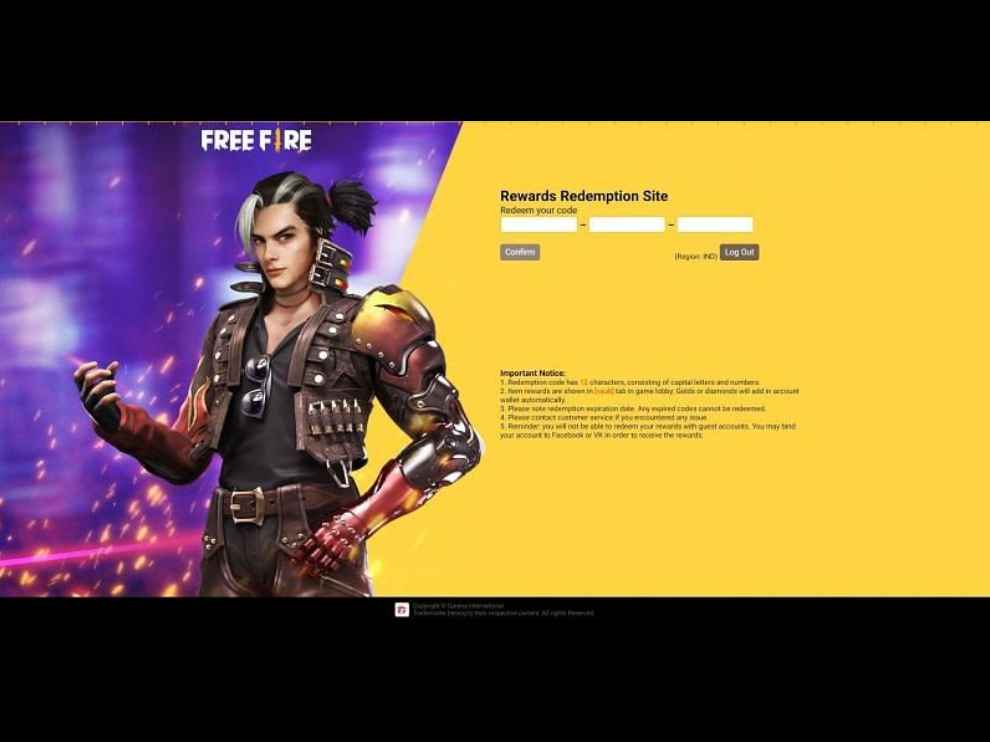
Step 3 : Once logged in, Players are required to enter the 12 character code they have and then click on the “Confirm” button.
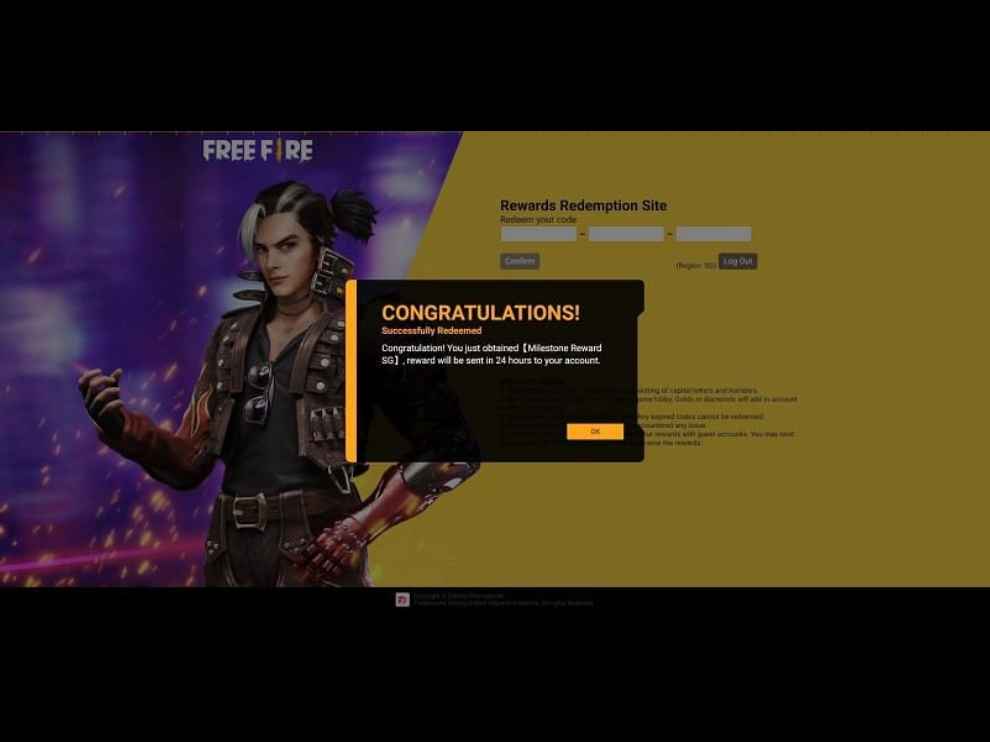
If successfully redeemed, you’ll receive a dialog box containing the name of the reward you’ve redeemed to confirm your redemption and the rewards will be sent to your account within 24 hours via the in-game mail section.
Free Fire Rewards Redemption site – Errors You May ReceiveRedeem codes may not work in certain regions they are not meant for . Therefore, Players from restricted regions will be encountering the following error: “Failed to redeem. This code cannot be used in your region”
Apart from this, users will also face an error if the code has expired.

from Gaming News https://ift.tt/3iW1lX1
Comments
Post a Comment