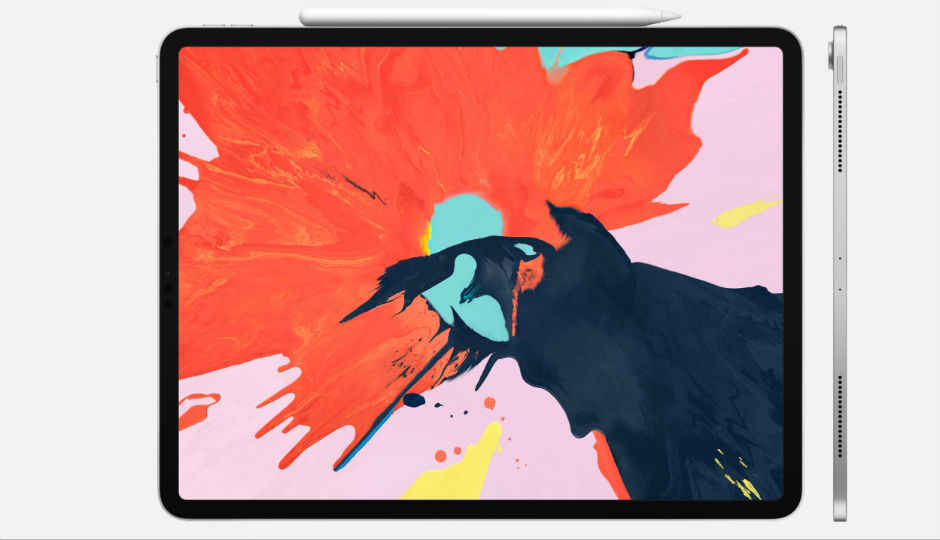
Apple unveiled the iPad Pro to the world in 2018, but the real story at the event was the fact that Apple invited Microsoft to the event to demo just how well the iPad Pro could run MS Office. Since then, Apple has been working on changing the iPad from a “content consumption” centric device to one that’s geared towards learning, content creation and productivity. We see this with the newest iPad Air that's been launched with support for the Apple Pencil and Magic Keyboard compatibility. Apple's iPadOS 14 only takes that much further. Today, Microsoft has taken a big step ahead in that goal, by updating the Office suite for iPad to offer some much requested features.
One of the major new features added to MS Word, Excel and PowerPoint is trackpad support. The new Magic Keyboard from Apple features a decently sized trackpad, which can now be used to select text in doc files, select a number of cells in Excel and move objects around in PowerPoint. For anyone wondering, the trackpad support for Word, Excel and PowerPoint isn’t just for the trackpad integrated into the Magic Keyboard. If you’re using an external or third party trackpad paired with your iPad, they will work just fine as well.
In addition to trackpad support, Word and PowerPoint are also getting true multitasking support. Users will now be able to run two instances of the apps docked right next to each other if needed. This is great especially when it comes to MS Word, as often users would want to have one reference document open while they write up a report on the other. The same goes for PowerPoint, in case you want to move assets from one presentation into another. Microsoft in its official blogpost said that there are a number of new features that the company is working on, to be released in the course of the next few months. One feature in particular that the company calls out is the ability to open two Excel sheets side by side, a feature that Word and PowerPoint are both getting right now. Another big feature expected to be released is offline file support for files in the cloud.
The iPad, iPad Air and iPad Pro are the three tablets in Apple's portfolio that the company has designed for all kinds of uses. While the Pro series has found favour with power users and content creators, the latest iPad Air, we expect, will find a lot of takers in the form of people who need a thin and light powerful machine without a hefty price-tag. Not to mention, all iPad models do tend to offer far more battery life in comparison to their laptop counterparts.

from Latest Technology News https://ift.tt/3e5GRs9
Comments
Post a Comment