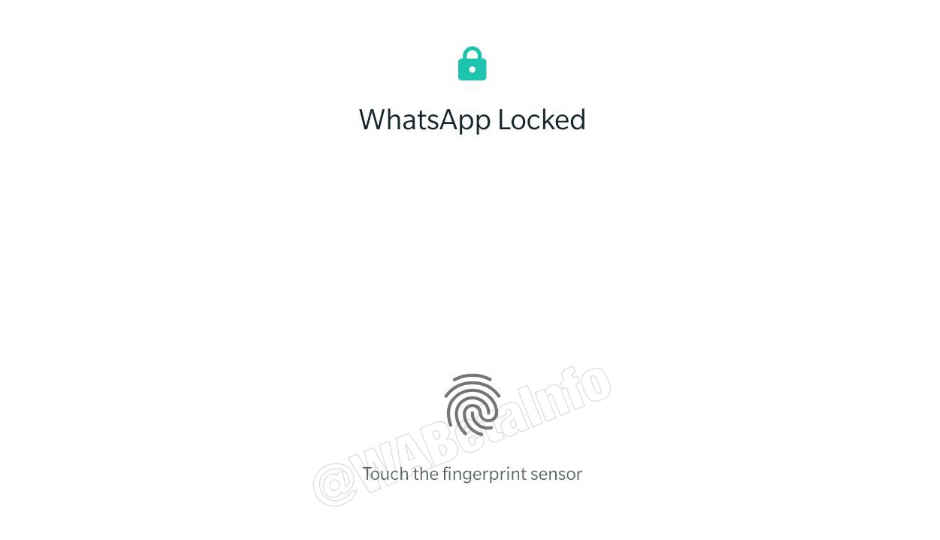
 Highlights: WhatsApp beta for Android brings biometric authentication feature. The update shows that UI has been improved. There is no info about the stable roll out of the feature. WhatsApp has submitted the beta update version 2.19.83 bringing improvements in the biometric authentication feature for Android. The initial hints of the feature were provided in the version 2.19.3 and the latest submission through the Google Play Beta Program now makes it available for testing. In particular, the latest update shows that WhatsApp has improved the UI of the feature, including some new settings. WABetainfo has shared some screenshots of how the UI of the feature will look once it is rolled out to the masses. When the Authentication feature is enabled, a screen displaying messages “WhatsApp locked” and “Touch the fingerprint sensor” is shown every time a user opens WhatsApp. To enable the Authentication feature, users can find a new option in WhatsApp Settings > Account > Privacy. Once Use fingerprint to unlock feature is selected, WhatsApp will ask the user to register the fingerprint. After the registration is done, user can configure when the Authentication feature should lock the app: Immediately, After 1 minute, After 10 minutes or after 30 minutes. Just like it’s in the case of unlocking the phone, if WhatsApp isn’t able to recognise the fingerprint (or if there are too many failed attempts), WhatsApp will show an error, locking the user out for a few moments. This feature has already been rolled out to iOS users. For those who use iPhone X or above got Face ID for verification and access to the app, while older iPhone models were given the option to use Touch ID for enabling the feature. There is also a third option to enter a passcode in case biometric authentication fails. In case of iOS, the biometric data is claimed to be stored locally on the iPhone, however, no information on this is provided yet from the Android version. Related Read: Latest WhatsApp beta brings 'Dark Mode' feature for Android
from Latest Technology News https://ift.tt/2uEl1WB
Comments
Post a Comment