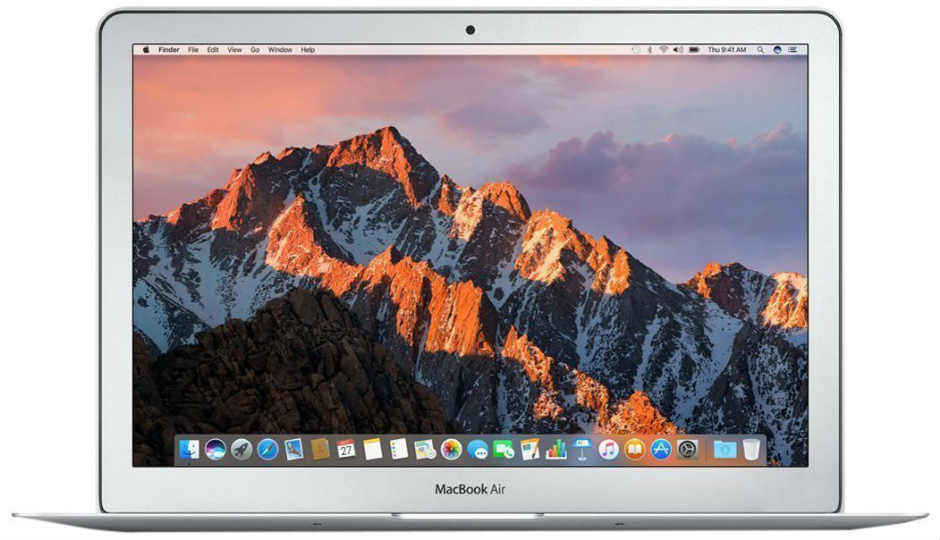
 macOS is quite streamlined and clutter-free with its neat Dashboard and slick touchpad gestures. However, in this OCD satisfying OS, there’s been a slight oversight as app icons on the Menu Bar keep cluttering the upper-right corner of the screen. The more apps you install, the more of these little icons keep accumulating there and unlike Windows’ System Tray, there is no functionality that groups unused icons into a group to keep the taskbar tidy. Those who want to get a minimalist look, they can install the Vanilla utility. So, here’s how to clean up your Mac Menu Bar. Downloading and Installing Vanilla To install Vanilla, simply visit this website and click on the ‘Download Vanilla for free’ button. Once it downloads, move the downloaded .dmg file to your Applications folder and boot it up. How it works Once booted, the Vanilla cleanup tool will add a carrot symbol and a dot to your Menu Bar. The app icons that are between the two new symbols will be hidden. One can drag icons between them by holding down the command key and the ones outside of it will show up on the right. The app is free but one can also pay $4.99 (Rs 350 approx) for upgrading to its pro version. The pro version is compatible with light and dark menu bars and automatically hides icons again after five seconds. One nifty trick that the pro users will get is the keyboard shortcut to toggle the hidden icons.
from Latest Technology News https://ift.tt/2NyYwdy
Comments
Post a Comment